Step-by-step guide
Link your TV to Plex
Your TV shows a unique code on screen. Follow the steps below, then enter it to connect your device.
1
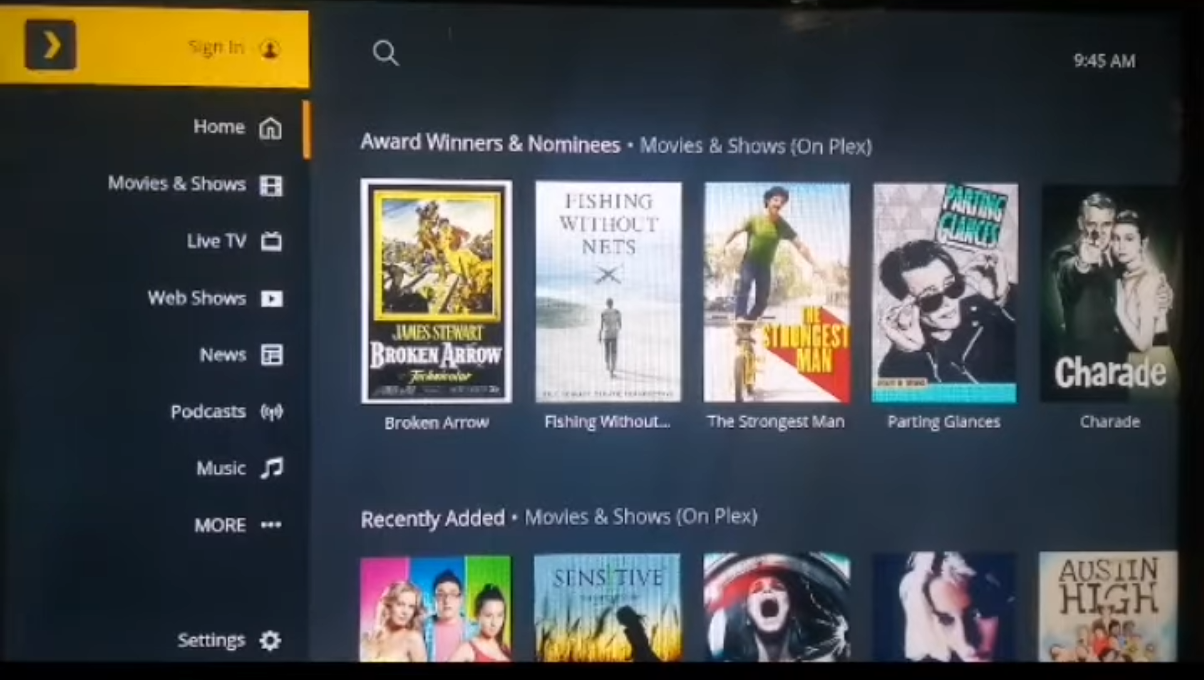
Open Plex & select Sign In from the menu
2
Choose Sign In with a Code

3
Your 4-character code appears on screen — enter it below

Enter your code
Enter your TV code
Type the 4-character code exactly as shown on your television.
Your TV has been linked! You can now start watching on Plex.
Invalid code. Please check your TV screen and try again.
By linking, you agree to Plex's Terms of Service.
Codes expire after 5 minutes. Generate a new one on your TV if needed.